How we counted
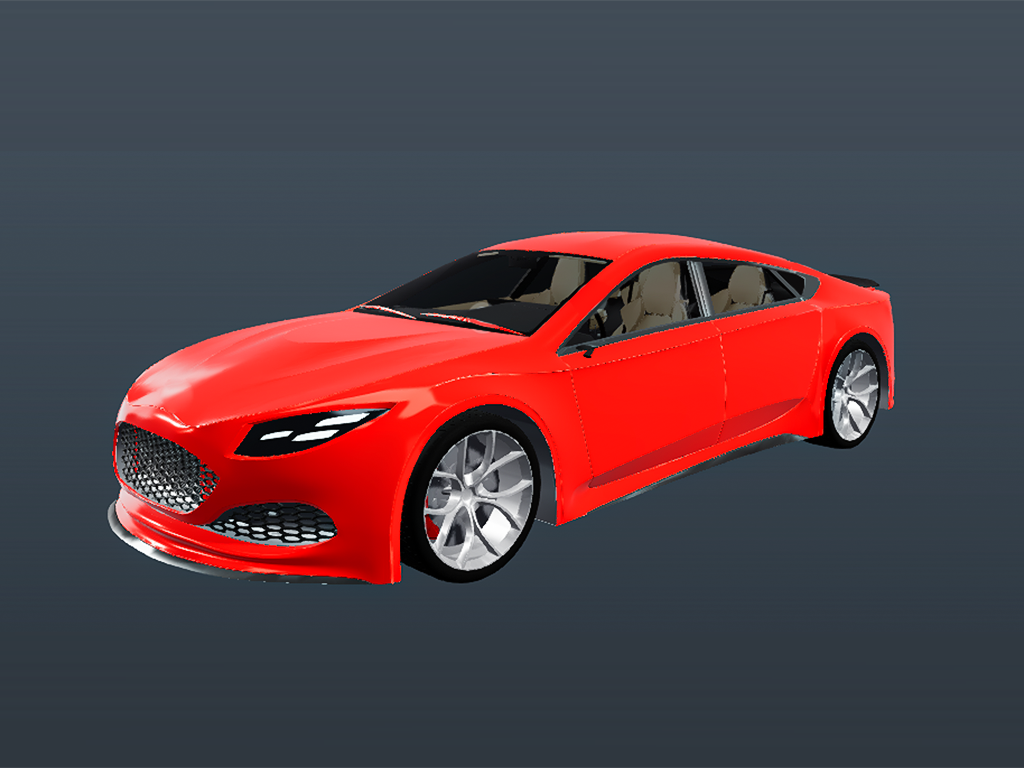
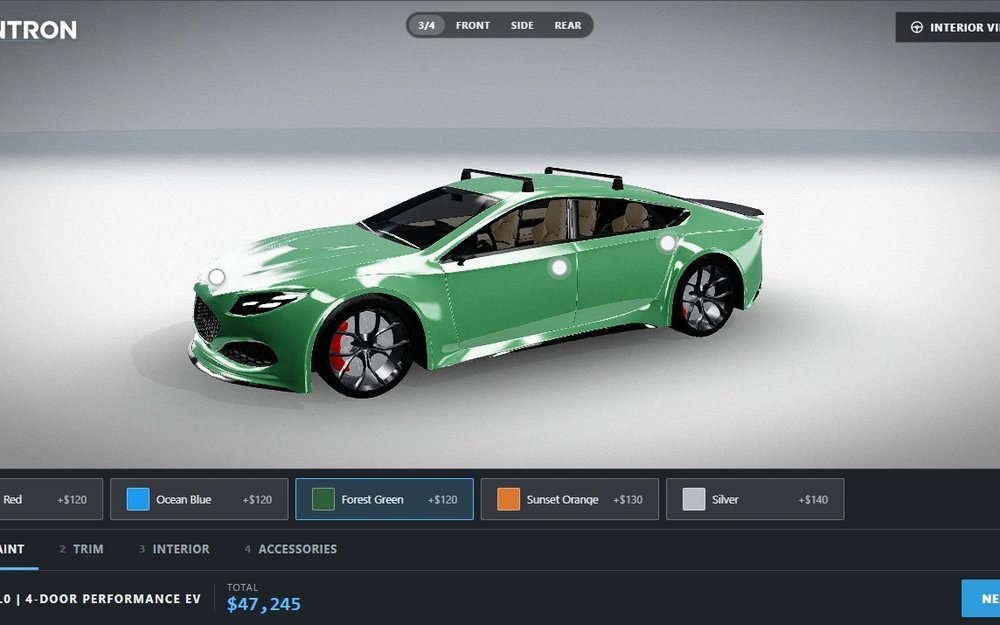
Our Car demo has 5 body colours, 2 trims, 2 interiors and 5 accessories that can each be on or off. That is 5 × 2 × 2 × 32 = 640 possible builds.[1] Showing each build as its own picture would need 640 pictures from every angle, a cost a configurator patent application also describes.[2] So picture-based configurators usually stack transparent layers instead: one layer for each option, switched on and off.[3] With layers that is 15 pictures per angle (one for each of the 14 options, plus a base picture), or 540 pictures for a 36-frame 360° spin (15 × 36).
540 pictures is a manageable job, and for a handful of options stacked layers work well. The cost shows up elsewhere. Add one body colour and every angle needs a new layer: 36 more pictures. Change the model, a part or the lighting and the layers are rendered again. Shoppers only see the angles that were produced. And because the layers are rendered separately, effects where one choice changes the light on another part, such as reflections and shadows, can only be approximated.
| Static product page | Image-swap configurator | ARANTRON |
|---|
| What the shopper sees | A few photos of a few variants | Pre-rendered pictures, often stacked as layers | The real model, drawn live for the exact build |
|---|
| 360° view | Not offered, or a handful of photos | Pictures played in order, only for the angles that were produced | Any angle and distance. Zoom to a part, open the doors |
|---|
| A new colour or option | Another photo shoot and a page edit | Render a new layer for every angle you offer (36 more pictures in our example) | A new colour or trim is one new line. A new part means updating one model |
|---|
| What shoppers can do | Read and scroll, then email or call | Click a swatch and wait for the next picture | Turn it, zoom in, open parts, watch the price move, view it in their own space with AR, send a ready quote |
|---|
| What you learn about them | Page views and form submissions | Mostly which swatches were clicked. There is little else to observe | Which categories, views, hot spots and info panels they opened, which options they added and removed, how far they got and who asked for a quote |
|---|
| Pictures to produce | A shoot per variant | Hundreds of layers (about 540 in our example), rendered again when the model or lighting changes | None. One 3D model |
|---|
Built for the buyers entering the market
Many younger buyers are open to deciding online. They need more than a brochure: their own build, and its price.
38%
of Gen Z car buyers in the U.S. say they are open to buying a vehicle entirely online.
Harris Poll for Urban Science, February 2024, U.S. respondents.[5]
94%
Average conversion lift Shopify reports for merchants who add 3D content to their stores.
Shopify, May 2022. A platform-wide average, not a controlled study.[4]
Our reasoning
A price on the page keeps them there
A page that ends in “contact your dealer for a price” asks them to wait. A configurator that shows their build and its price keeps them on your page, and gives them something to send you.
Real-time 3D is already familiar
Games, AR filters and design tools have made turning, opening and changing a 3D object ordinary. Next to that, a strip of swapped pictures can feel slow.
You learn what holds their attention
Because shoppers explore the real model, you see which views, parts and options they spend time on, before anyone asks for a quote. That tells you what to stock, price and promote. Builds can be saved and shared by link too.
It keeps up as you grow
New colours, trims and whole accessory ranges stop meaning a photo shoot or a re-render of every angle. You launch and update faster than a team re-rendering pictures, and the same model already drives AR.
Sources
- Our Car demo: open it and count the options in Body paint (5), Trim (2), Interior (2) and Accessories (5, each on or off, which gives 25 = 32 combinations). The layer counts are a simple estimate: one transparent layer for each option and one base picture per angle, exterior only, with a 36-frame spin (one frame every 10°). A real project may need more layers, for example for interior views or for parts that depend on other choices. Open the Car demo.
- Speedshape, Inc., “Configurator process and system”, European patent application EP 2 164 046 A2, published 17 March 2010, paragraph [0007]. An older filing, cited for the logic of the one-picture-per-build approach. Read it.
- ConvertCalculator, “Use Layered images to create product configurators”, a configurator vendor’s page (2026). It describes layered images as stacked transparent PNG layers that a configurator switches on and off, and gives a worked example where layers need 24 images against 1,296 for one image per combination. Read it.
- Shopify Changelog, “Shop adds 3D and augmented reality (AR) previews”, May 11, 2022: merchants who add 3D content see a 94% conversion lift, on average. Shopify names no study for the figure and its later pages do not repeat it, so read it as an average reported by Shopify. Read it.
- Urban Science, article on Gen Z car buying trends, November 25, 2024, citing a Harris Poll survey of U.S. adults for Urban Science in February 2024: 38% of Gen Z auto buyers are open to buying a vehicle entirely online. Read it.
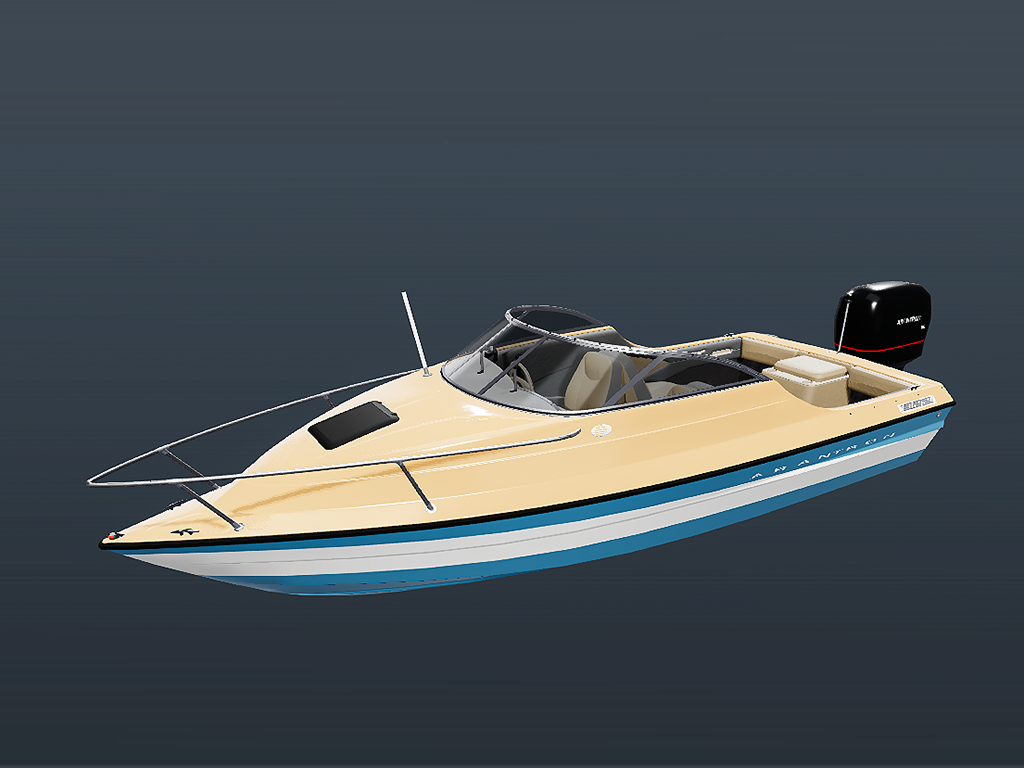
The two example pages above are illustrations, not real customer sites. The comparison table describes how pre-rendered picture configurators work in general, not any one company’s product.